
Shape your bonds.

A small gift.
Something you want to say.

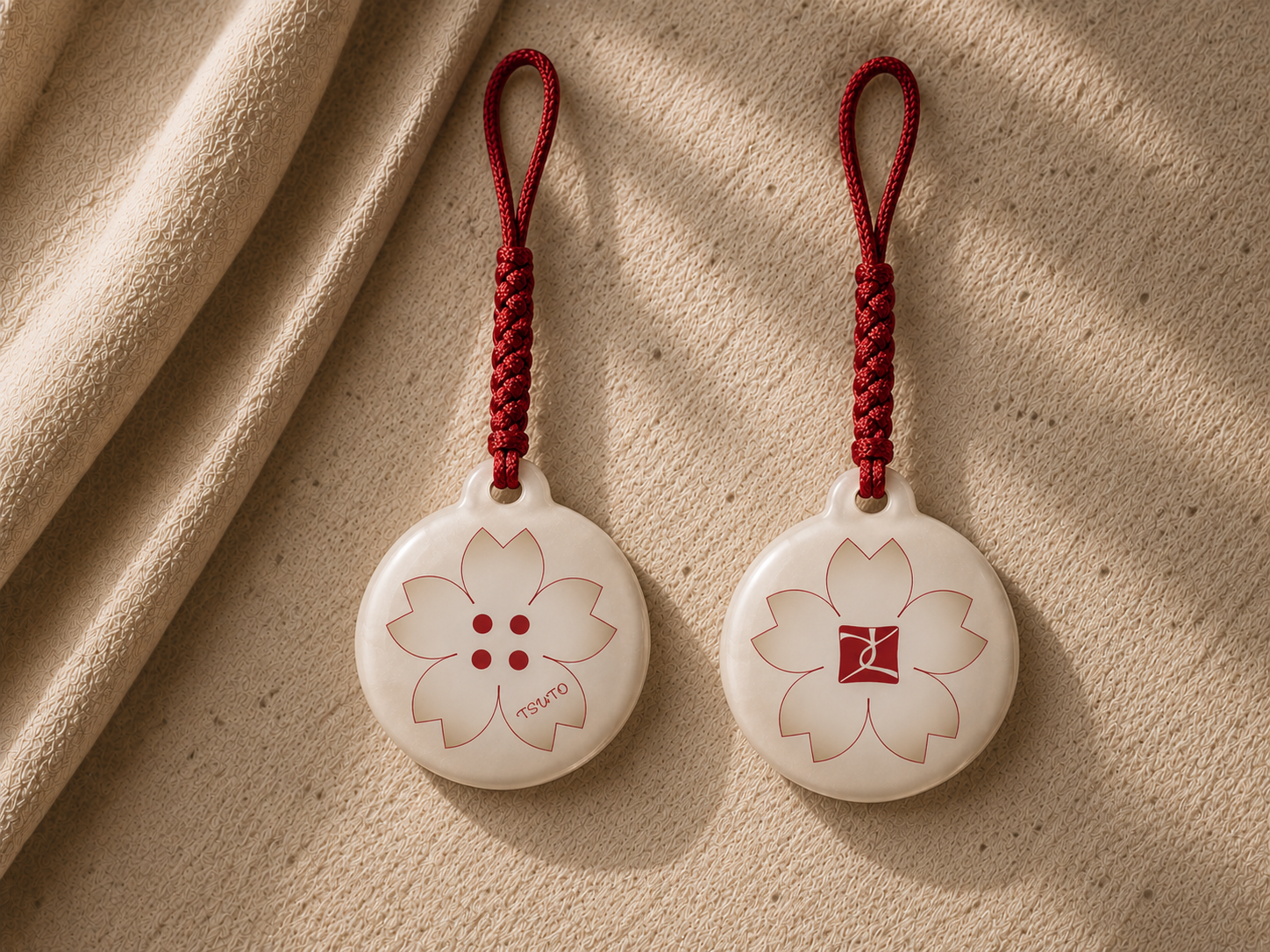
A message for someone. A memory for yourself. TSUTO is an NFC charm that lets you carry words, a photo or a video with you. Hold your phone close and open your space with your own key.

See how to give a TSUTO

Give it to someone, or make it a gift for yourself. Add up to one photo or video. Review before confirming: once confirmed, nothing can be changed or added.

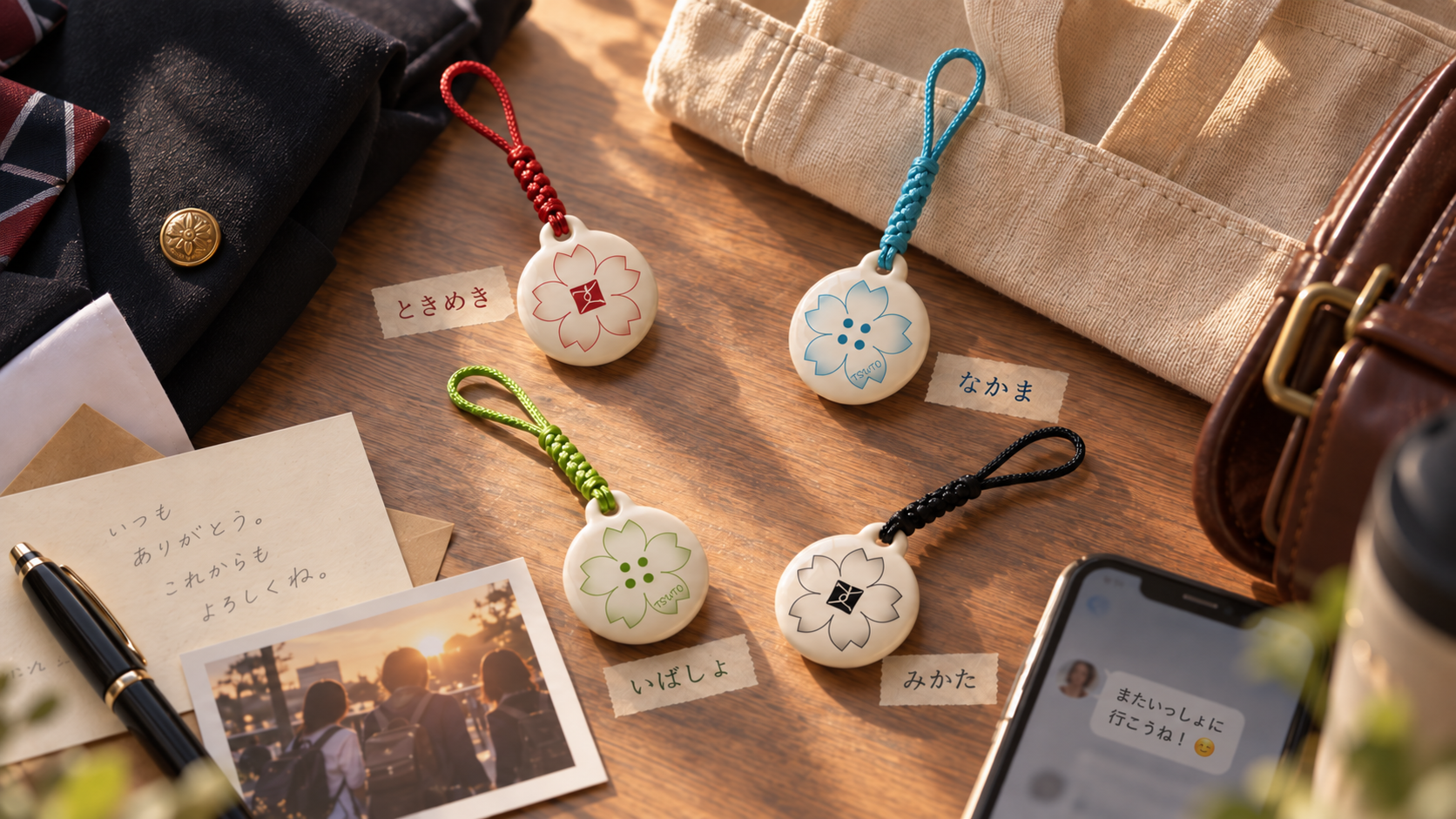
Explore four colours & connections
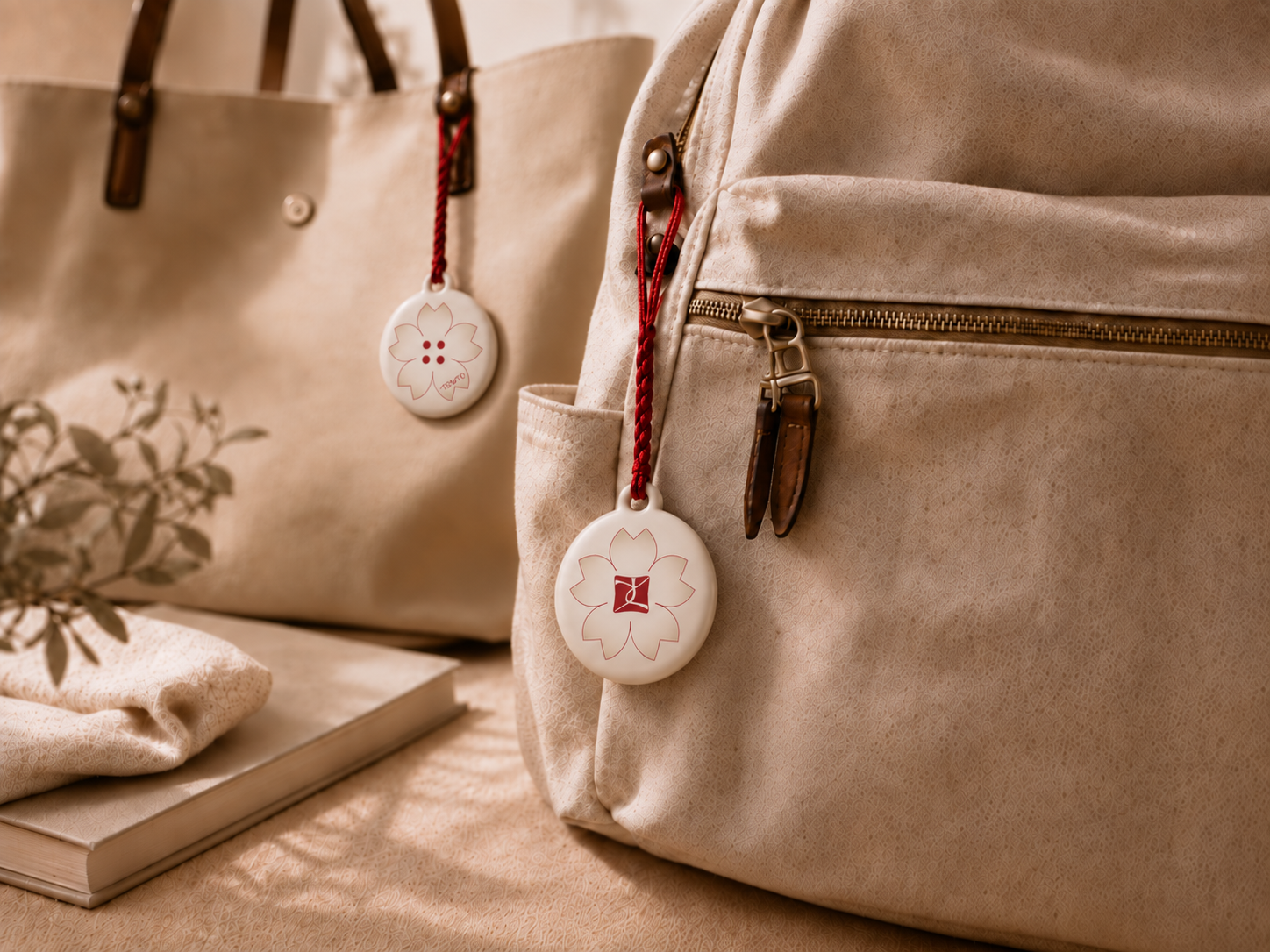
Bags carrying TSUTO charms with red cords
On your everyday bag.A TSUTO charm.
Write Give Open Keep
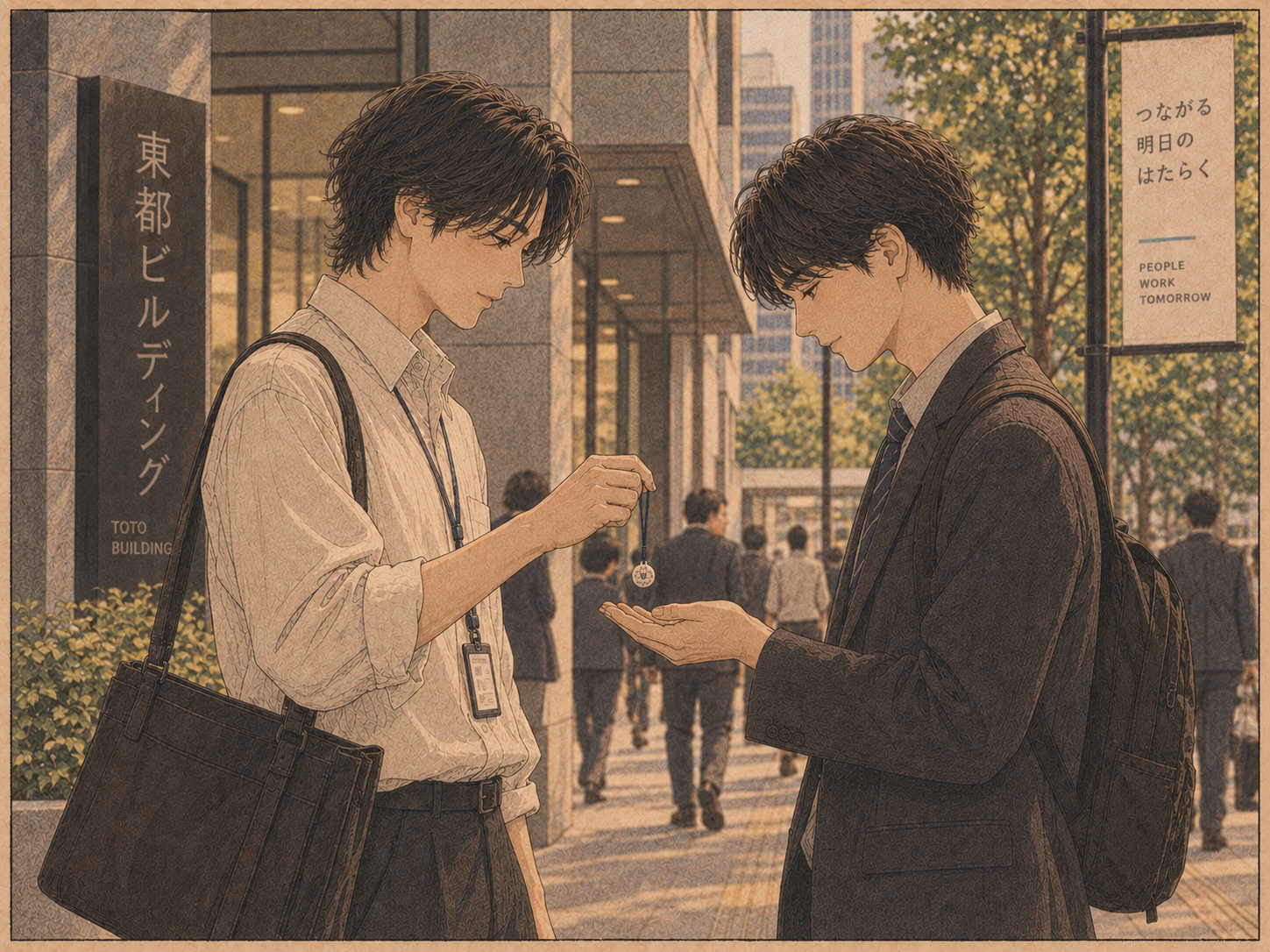
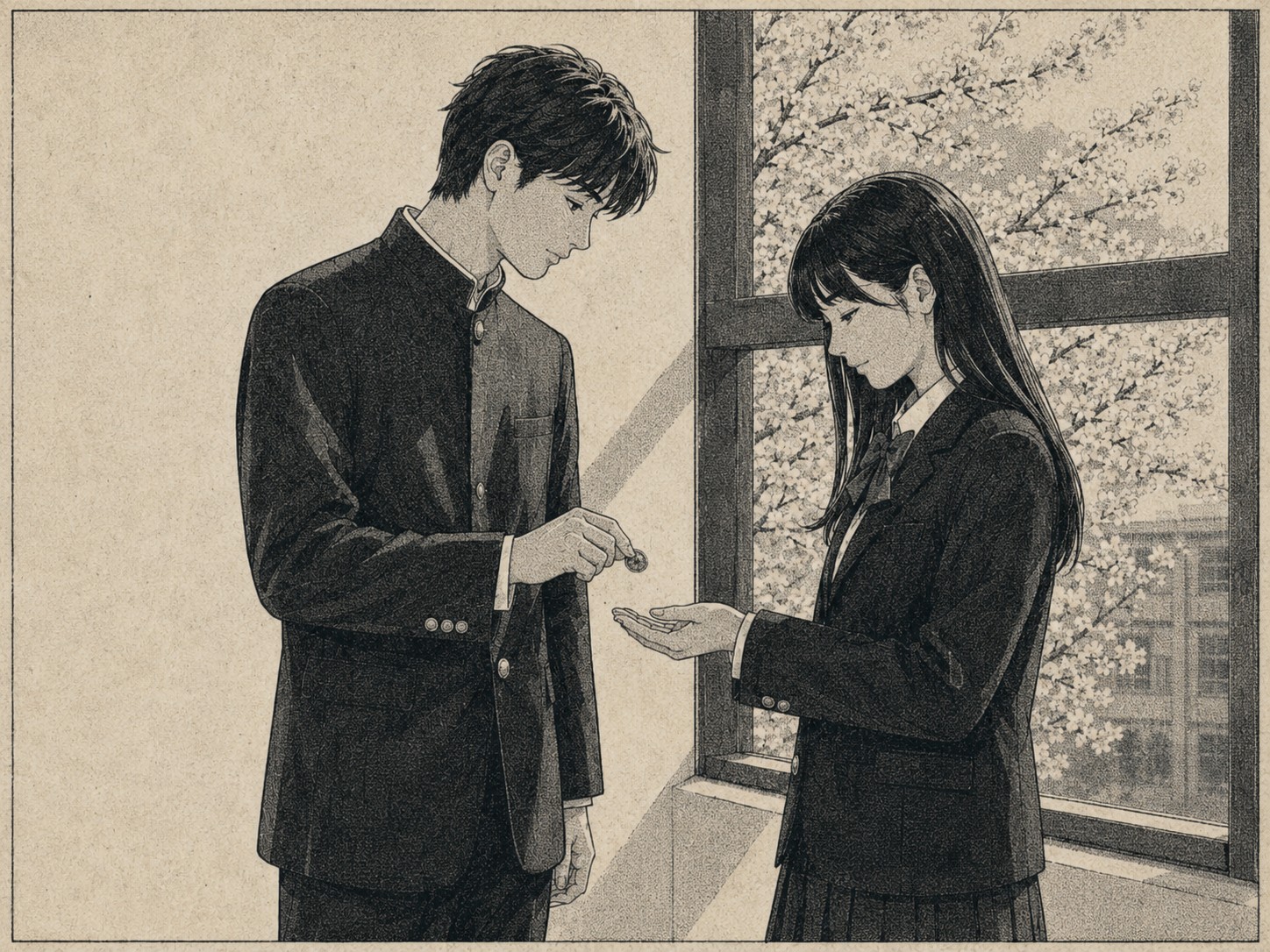
A TSUTO being given on graduation day
A TSUTO being given to someone important
A TSUTO being given in everyday life

THE SECOND BUTTON

From the second button
to someone important.

In Japan, giving the second button of your school uniform to someone you have feelings for is a graduation tradition. That gesture inspired TSUTO: a small gift with a message, for a friend, a family member or a partner.

TSUTO NO MA

Come back to that moment.

A message you received. A memory you kept for yourself. You choose when to open it. Even a glance at your charm can bring that moment back.

Your moment is here.

Open it when you’re ready.

Enter TSUTO no Ma

A gift for yourself, too

Take that moment with you.

A view from a trip, a good day, a small win. Keep it in words, one photo or one video—or words with one attachment. A memory to carry with your charm.

Start with a memory

See how it works

TSUTO charms beside photographs and a handwritten note

Giving. Receiving.
Keeping a memory for yourself.

One entrance, three ways in. Key A for giving, key B for receiving. To keep your own memory, choose “For me” and use key A.

Open it with your own key.

Gifts have separate keys for giver and receiver. Your personal memory uses key A.

Once reviewed and confirmed, the content stays as it is. Photos and videos are stored encrypted, and notification emails leave out private content.

FAQ

Frequently asked questions

What is TSUTO?+

An NFC charm for giving a message or keeping a memory for yourself. Add up to one photo or video. Once reviewed and confirmed, the content cannot be changed or added to.

Do I need to install an app?+

No. Use an NFC-compatible smartphone to open the link and continue in the browser.

Which smartphones are compatible?+

TSUTO is intended for current NFC-compatible iPhone and Android devices. The reading position varies by model and device settings.

Will scanning the charm reveal the thought?+

No. Choose receiver, enter with key B, then select “Open your message” to reveal it. If the giver has not entrusted it yet, you will see a waiting screen.

What if I have more than one TSUTO?+

Keep your connections together in My TSUTO. The names you give them are visible only to you. You can create an account after entering a TSUTO no Ma with a valid key.

What if I lose my access key?+

For security, an existing key cannot be shown again. Contact TSUTO support; the key can be reset when appropriate.

What can I leave in the space?+

Text, images and video. The current version supports one attachment per message, up to 25 MB.

How is the thought kept private?+

You need your own key to enter. Photos and videos are stored encrypted, and notification emails leave out the private content. The receiver sees it only after choosing to open it.

TSUTO

What will you keep close?

Open TSUTO

Partner with us

Commercial partners and retailers — let’s work together.

Explore partnerships